Choose a Streaming Subscription for the Devices You Actually Use
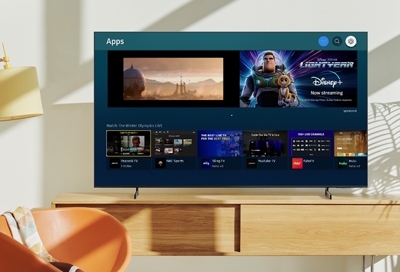
A low headline price can be poor value if the plan does not support your intended screen. Start with device and viewing needs before comparing service prices.
Know which part you are checking
This is a decision worksheet rather than a live ranking. India subscription offerings and bundles change. Confirm current terms with the service at checkout.
A practical sequence
- List whether you need phone, browser, television or casting access.
- Check quality, simultaneous-use and download terms for the exact plan.
- Confirm billing period and whether a bundle renews separately.
- Choose only after checking the titles and languages you actually want.
An example to recognise
Someone watches mostly on a television but compares a phone-focused offer. The device restriction matters more than the apparent monthly saving.
Before you finish
Do not rely on an old screenshot of prices. Keep the official confirmation and renewal terms for the plan you buy.
Test the result on the device and account you intend to use. Check a short sample before settling in for a full programme or leaving home. Features, available titles and interface labels can vary by region, app version and subscription, so keep the current official help page available.