Casting from an iPhone: Why Local Network Permission Matters
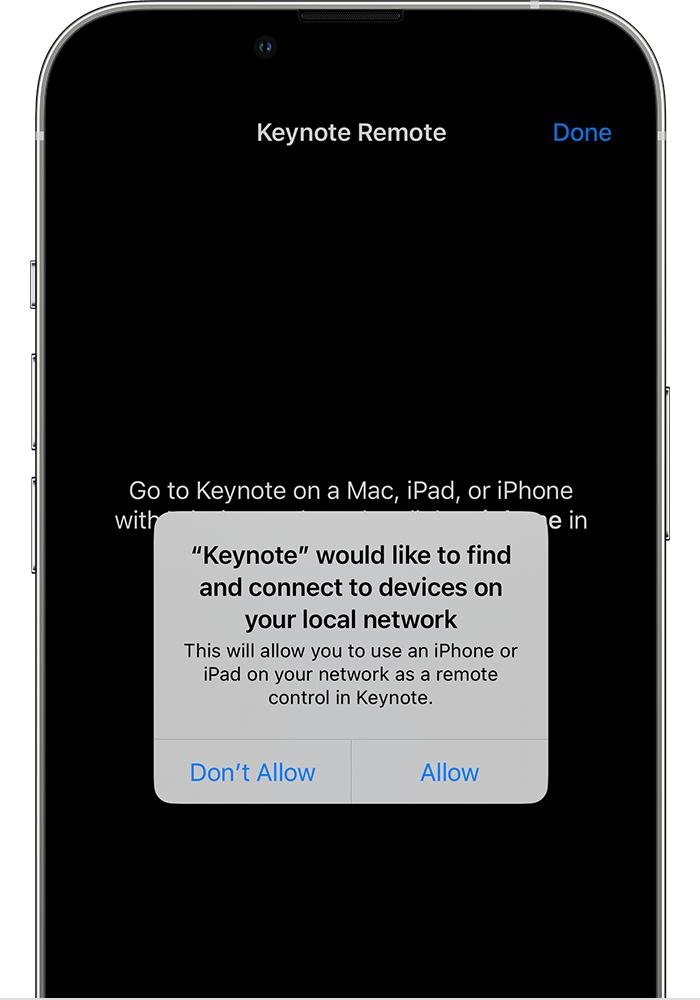
An app may need permission to discover a compatible television on your home network. That is different from simply allowing the phone to access the internet.
Know which part you are checking
Google explains Local Network permission for Cast-enabled apps on supported Apple systems. If discovery is blocked, the television may not appear even when both devices have internet access.
A practical sequence
- Confirm the phone and receiver are on the same Wi-Fi network.
- Check the specific app Local Network permission in device settings.
- Return to the app and retry its Cast control.
- If discovery still fails, compare another supported app and consult receiver guidance.
An example to recognise
An iPhone loads videos normally but cannot list the living-room receiver. Reviewing the app discovery permission is a targeted step.
Before you finish
Grant permissions only to the app you intend to use. Do not disable router security or expose devices to the public internet.
Test the result on the device and account you intend to use. Check a short sample before settling in for a full programme or leaving home. Features, available titles and interface labels can vary by region, app version and subscription, so keep the current official help page available.